Intro: This release gives you more control over how your photos look when they publish, a cleaner view of your recent performance, and a few reliability fixes that remove day-to-day friction.
More control over photo crops
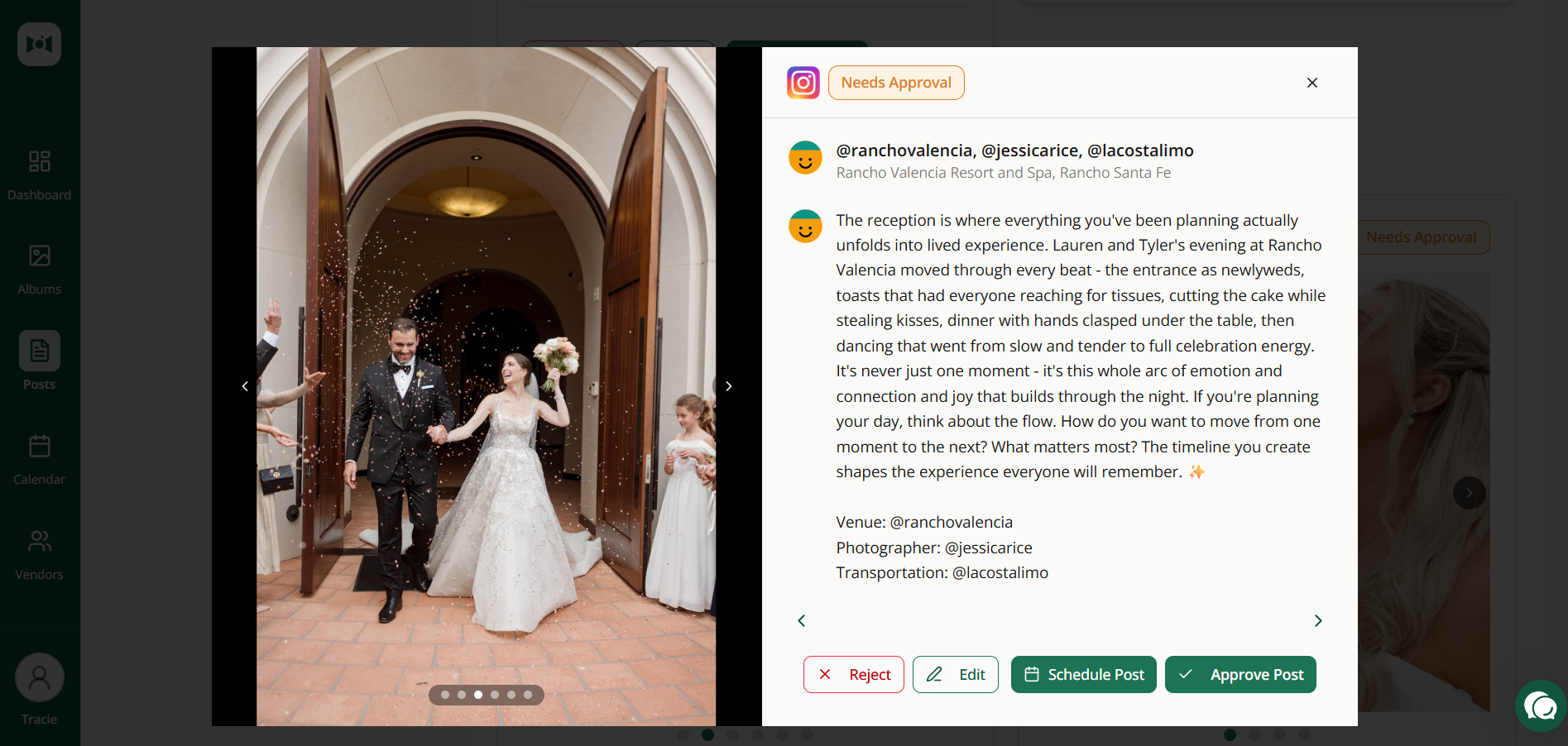
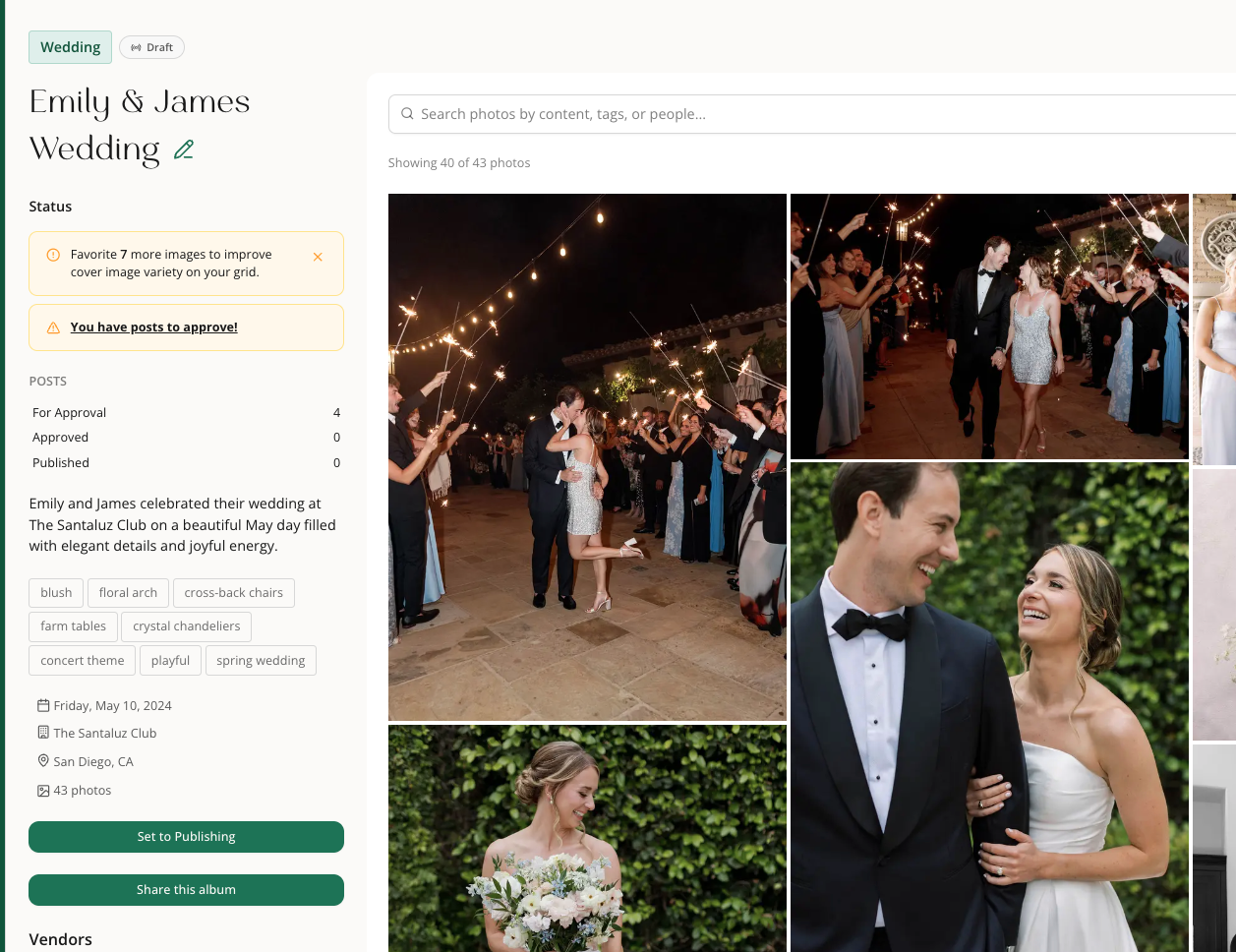
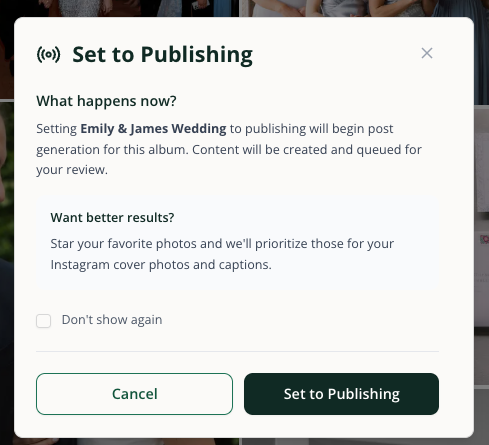
Photo review and publishing now work together more smoothly, so it is easier to catch awkward framing before content goes out.
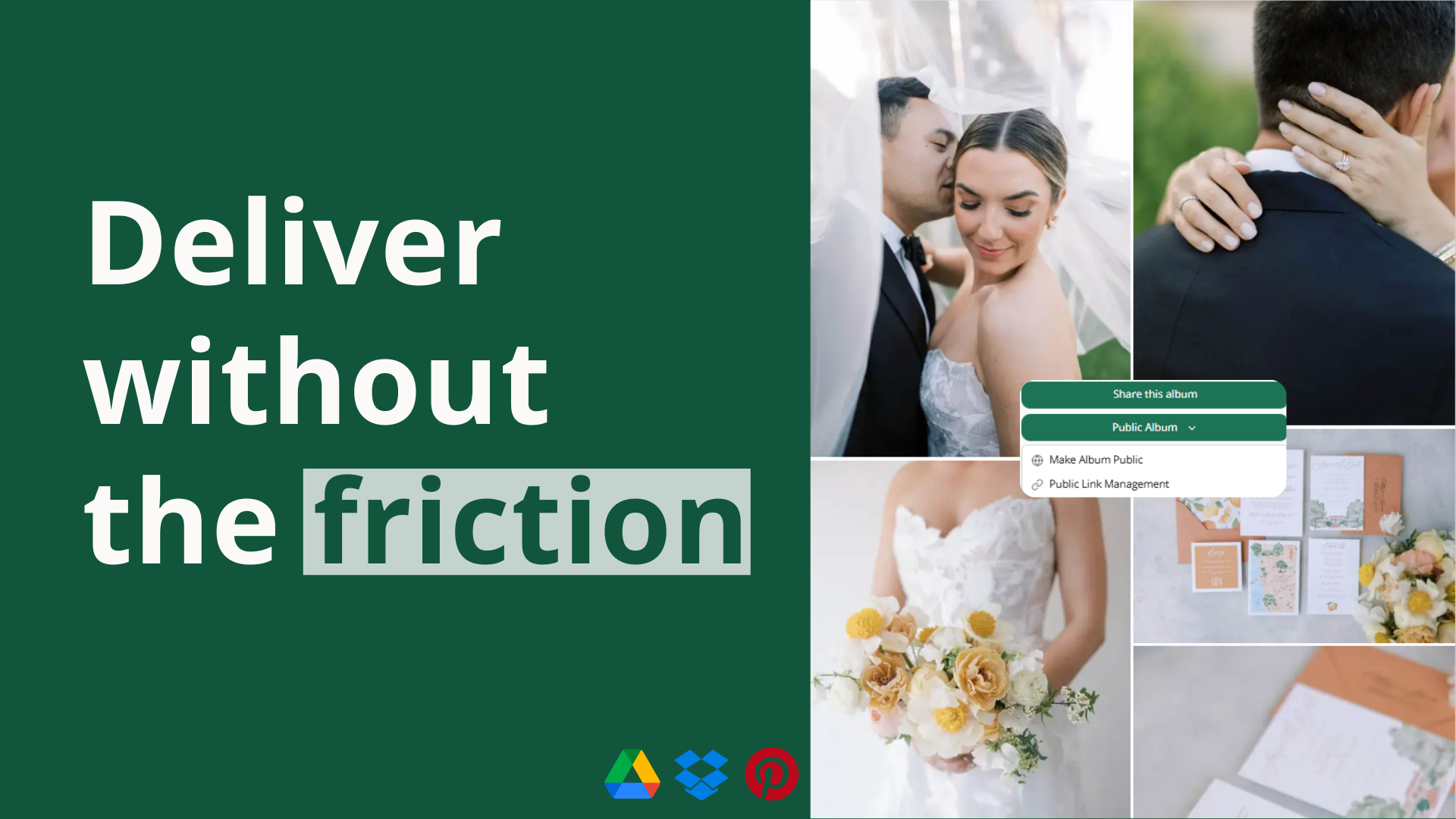
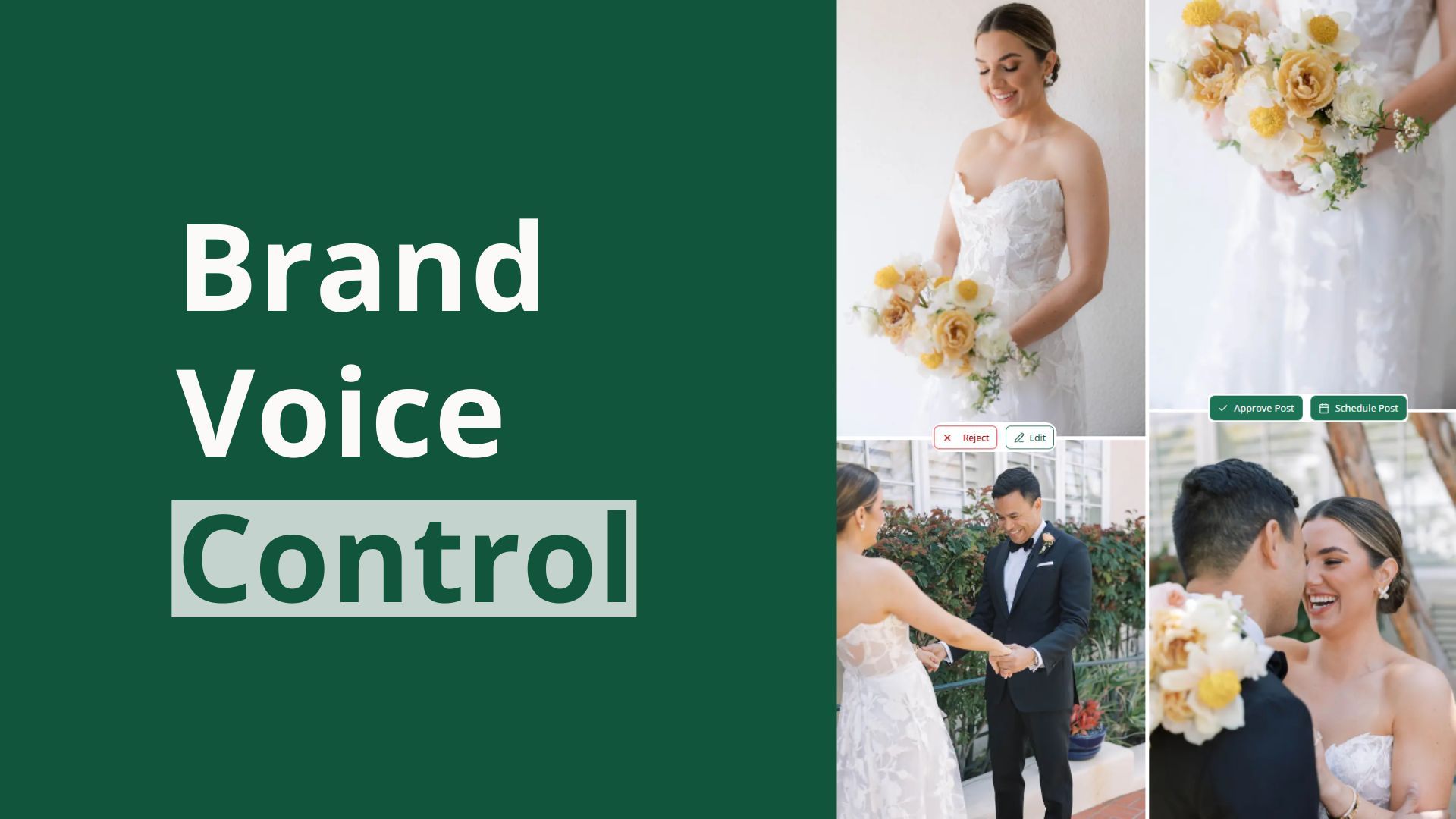
Preview crops before you publish. Switch between original, Instagram, and Pinterest views on the album page and in photo preview so you can catch framing issues earlier.
Adjust a crop right where you notice it. Open the crop editor from photo preview or photo tools, make the change, and keep moving without bouncing through extra steps.
Start from smarter defaults. Curated photos now get better default crops, which means less manual cleanup before you publish.
Keep unpublished posts in sync. When you save a crop, unpublished posts using that photo stay up to date, and your saved crop is the one used when the image publishes.
A clearer 30-day dashboard
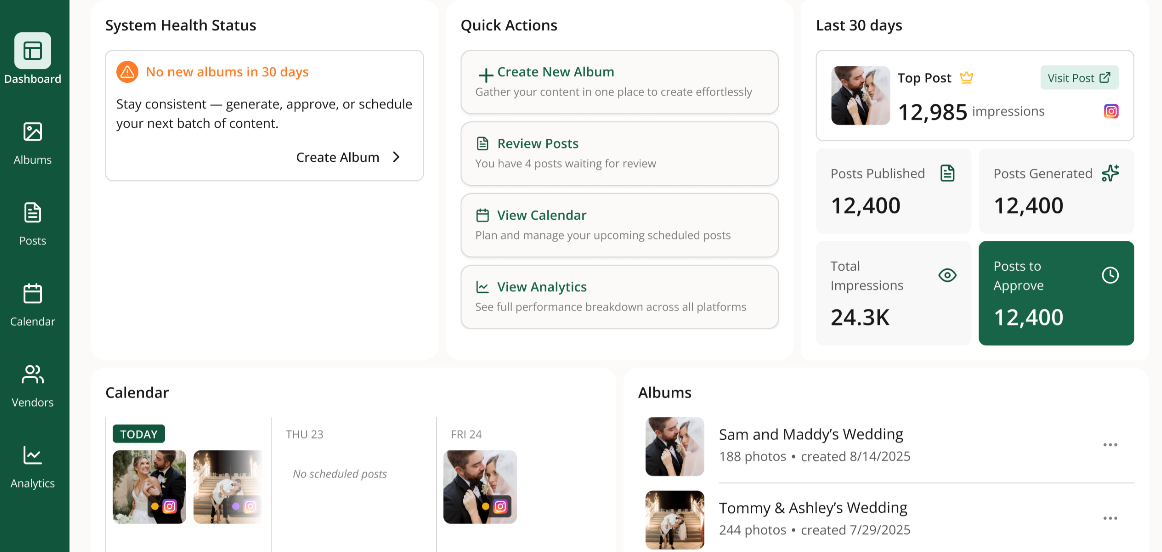
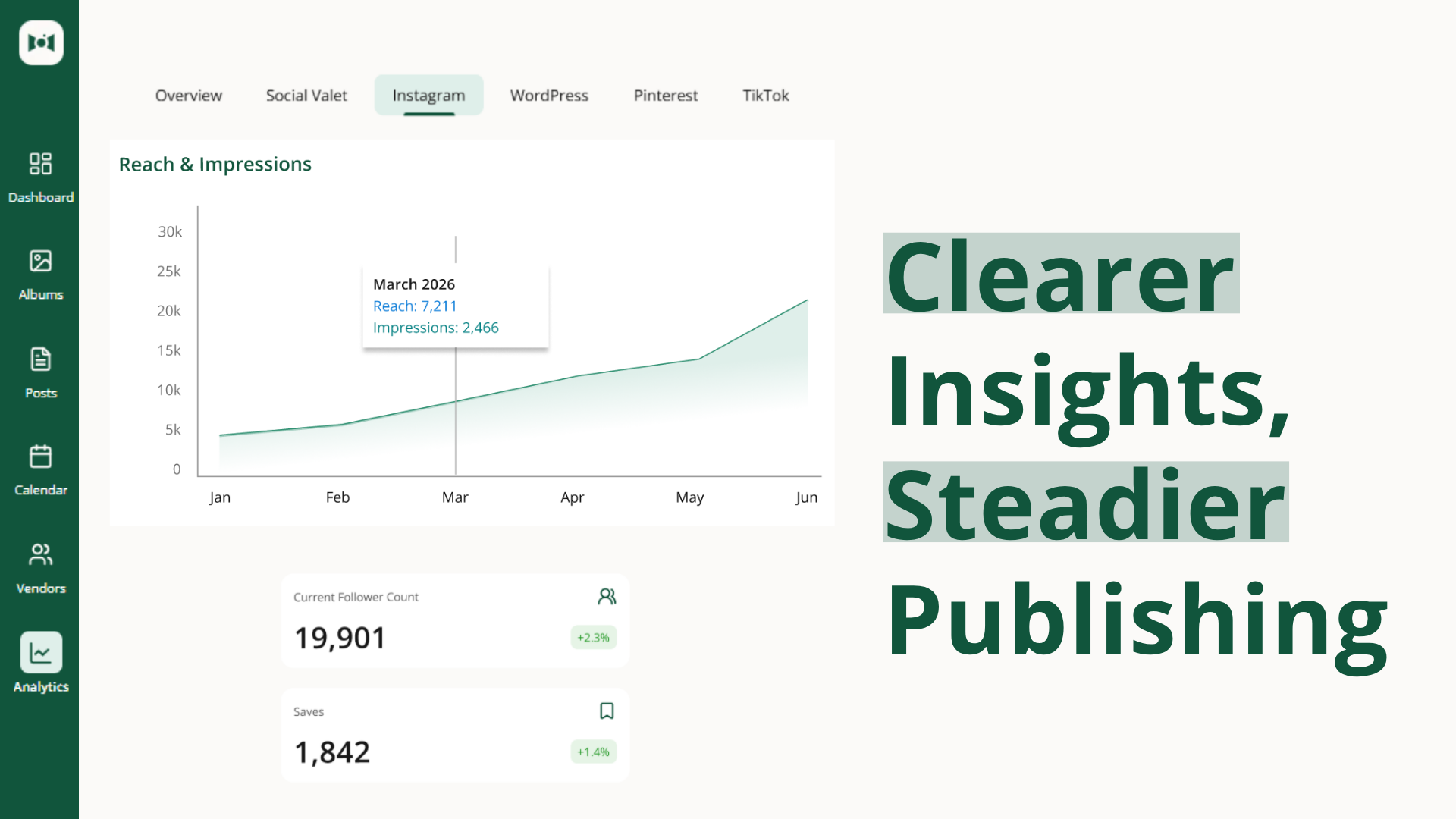
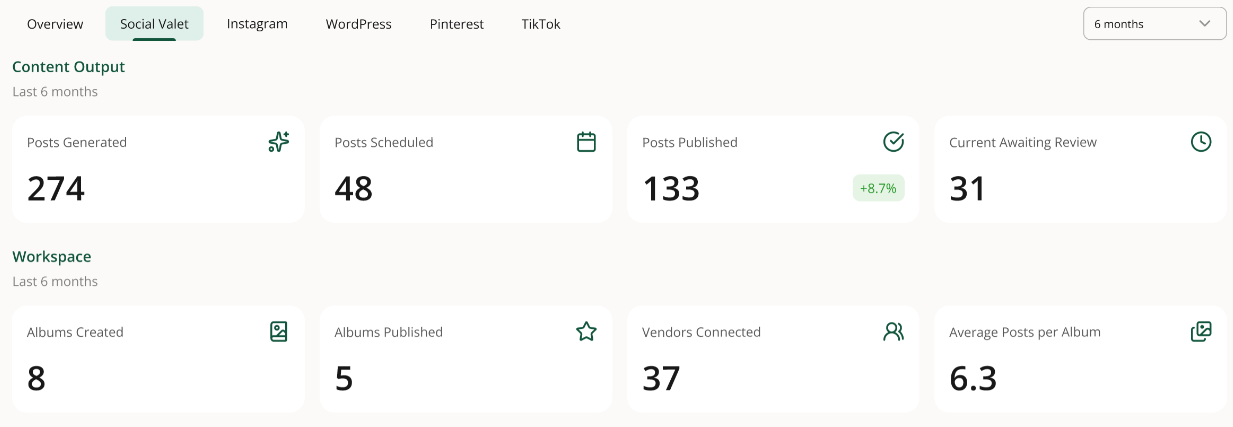
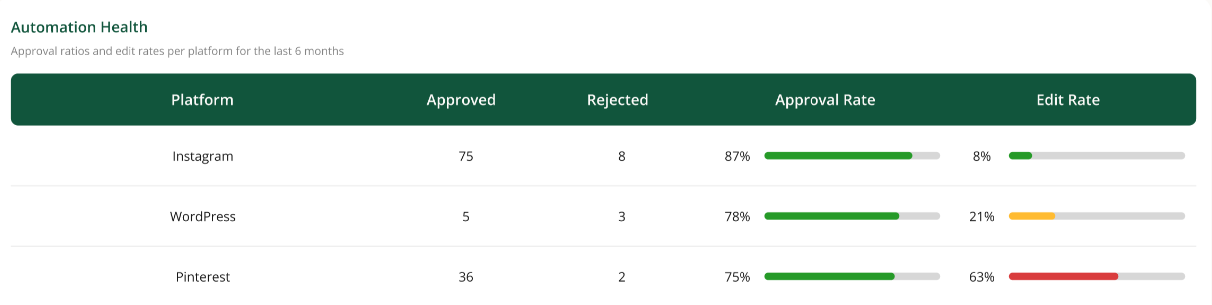
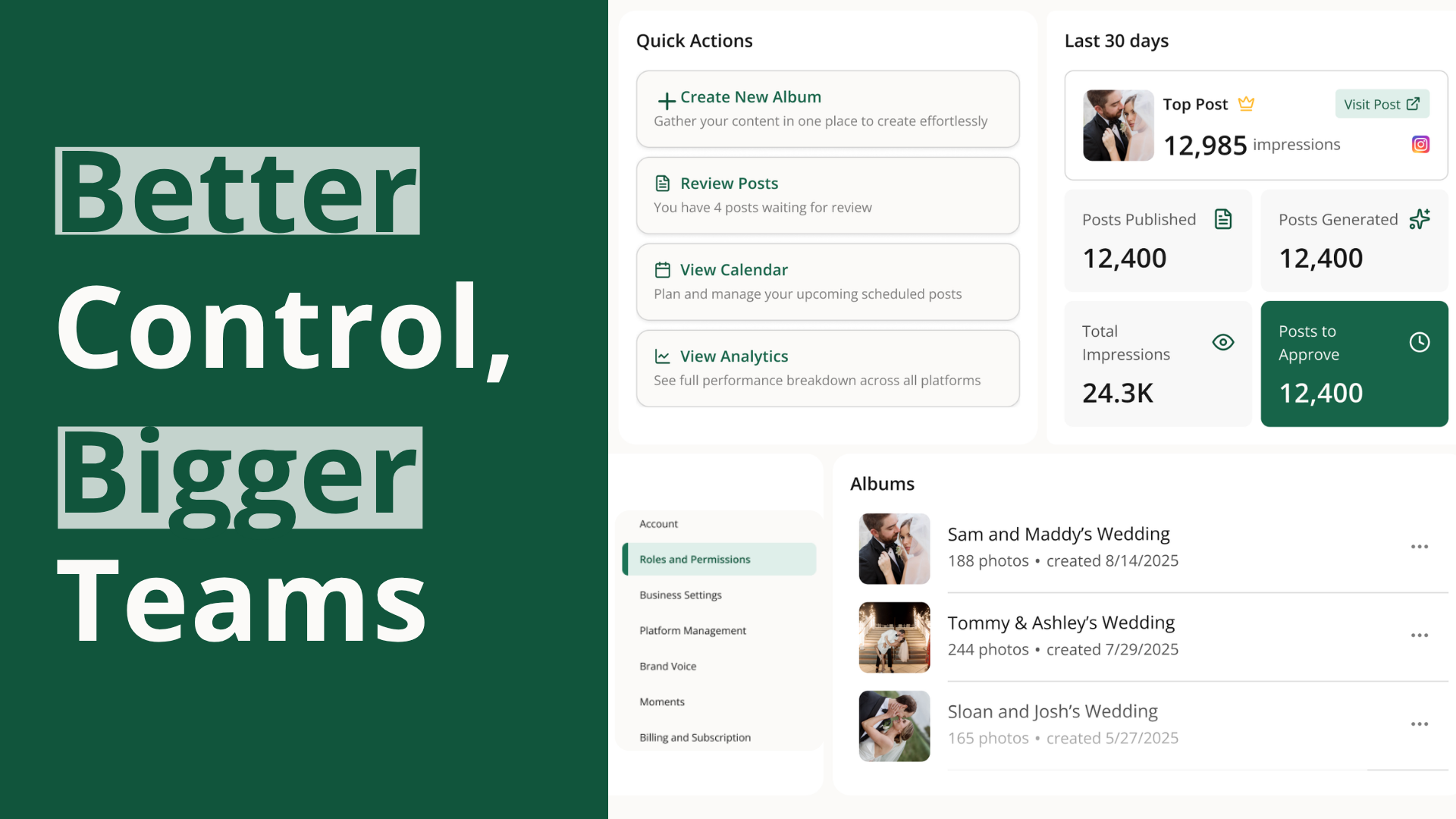
Your dashboard now focuses on the most useful recent numbers at a glance, including publishing activity, content generation, impressions, and posts waiting for approval, with a faster path into full analytics when you want more detail.
More room for your team
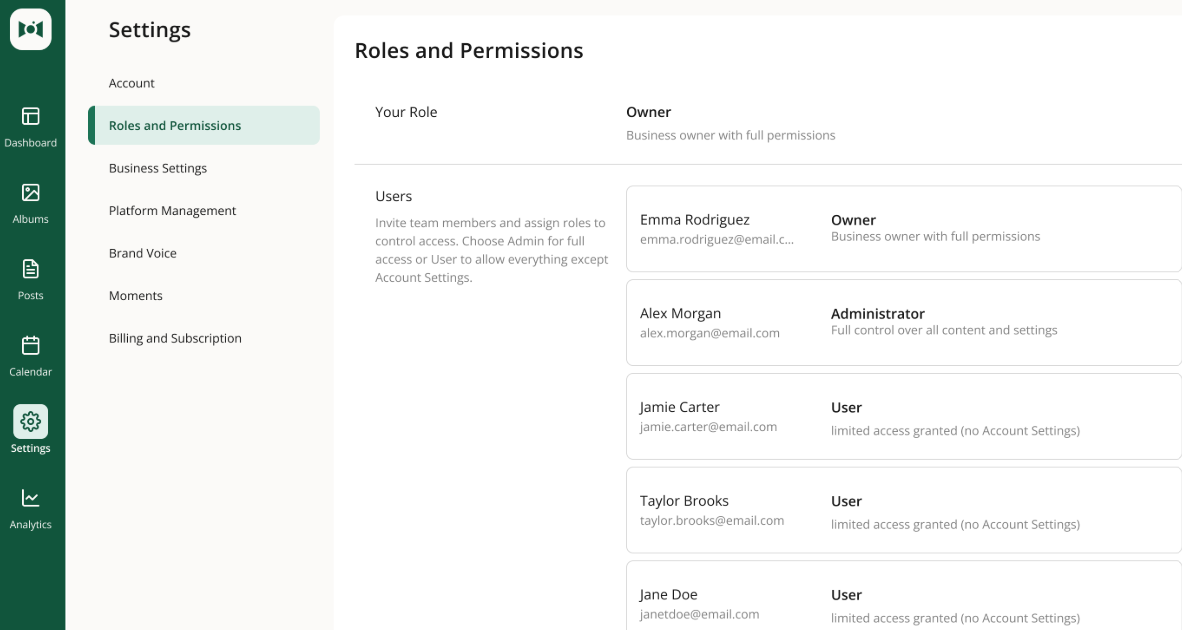
You can now bring in up to 10 total team members, making it easier to manage Social Valet with a fuller in-house team or assistant support.
Smoother day-to-day fixes
A few everyday blockers were cleared out to keep content work moving.
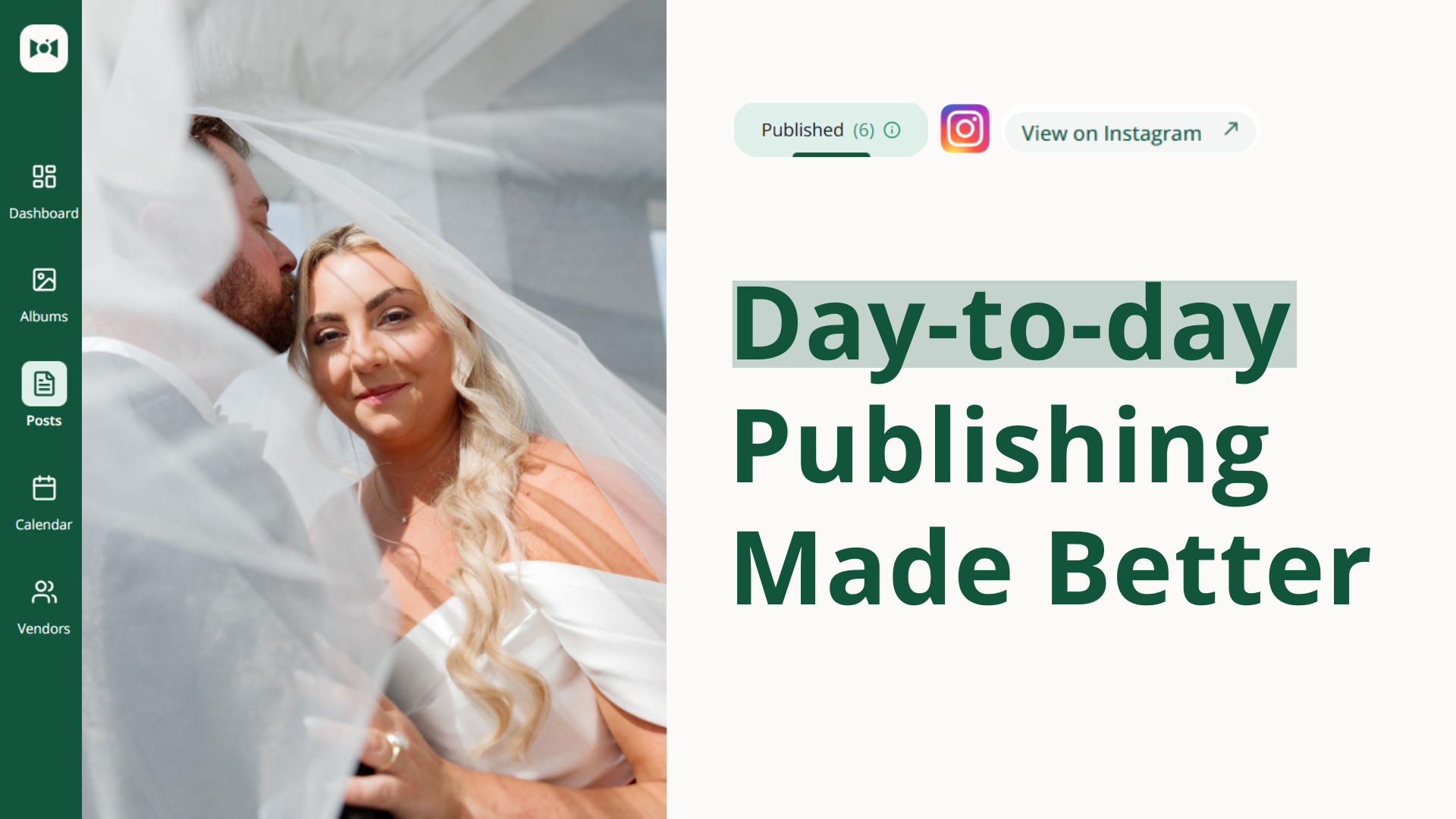
Publish blogs more reliably. A bug that could stop blog posts from publishing has been fixed.
Download photos without error screens. Photo downloads are more dependable from both preview and album download flows.
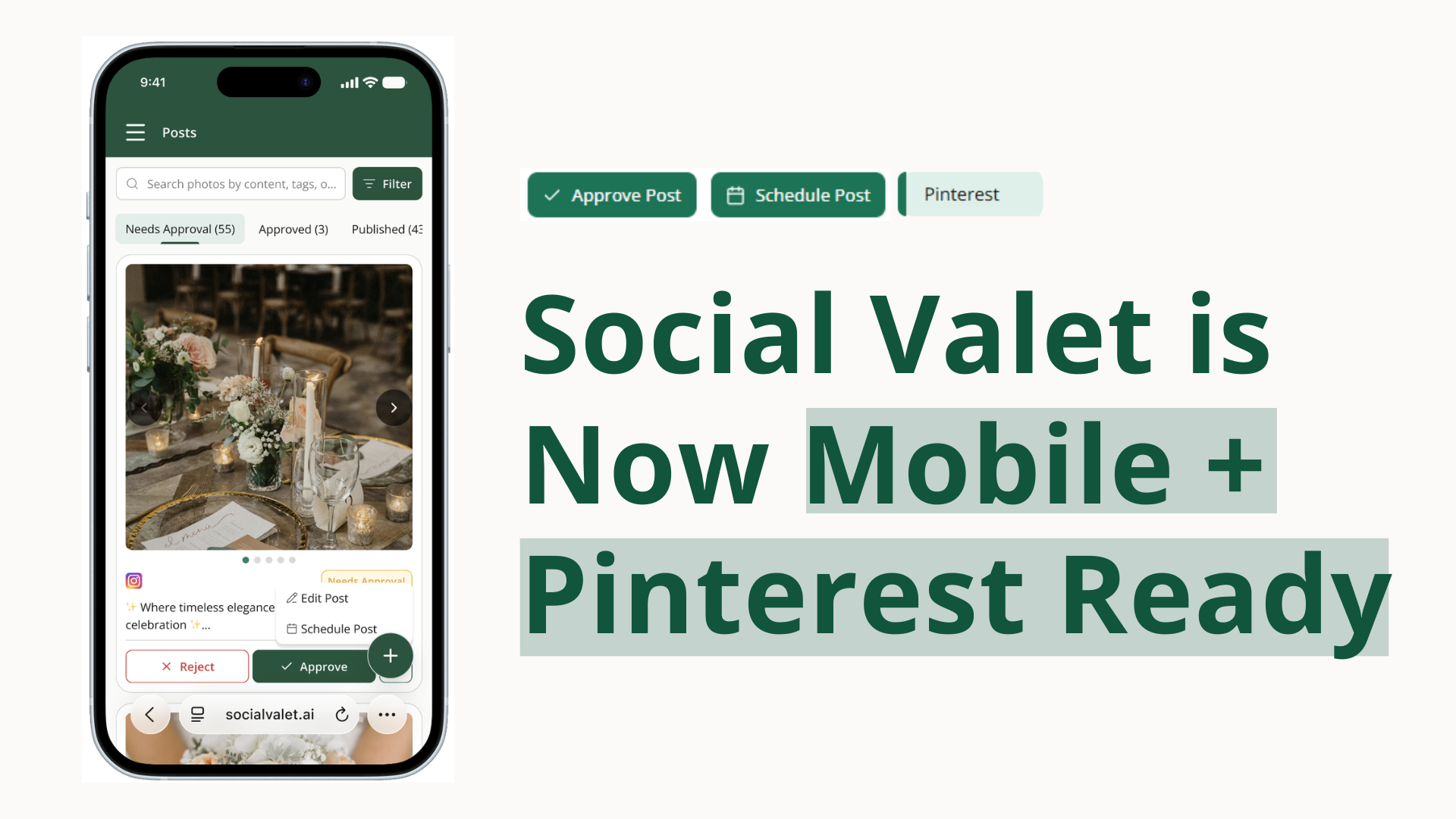
Work more easily on smaller screens. The posts page now makes failed-post actions and new-post creation easier to reach on tighter laptop layouts.