Reading your Overview tab
What each metric on the Analytics Overview tab means and how to use it.
Written By Nick
Last updated About 2 months ago
The Overview tab
The Overview tab is the single-glance summary of how your content is performing across every platform you have connected. This article covers each section and how to read it.
What's on the Overview tab
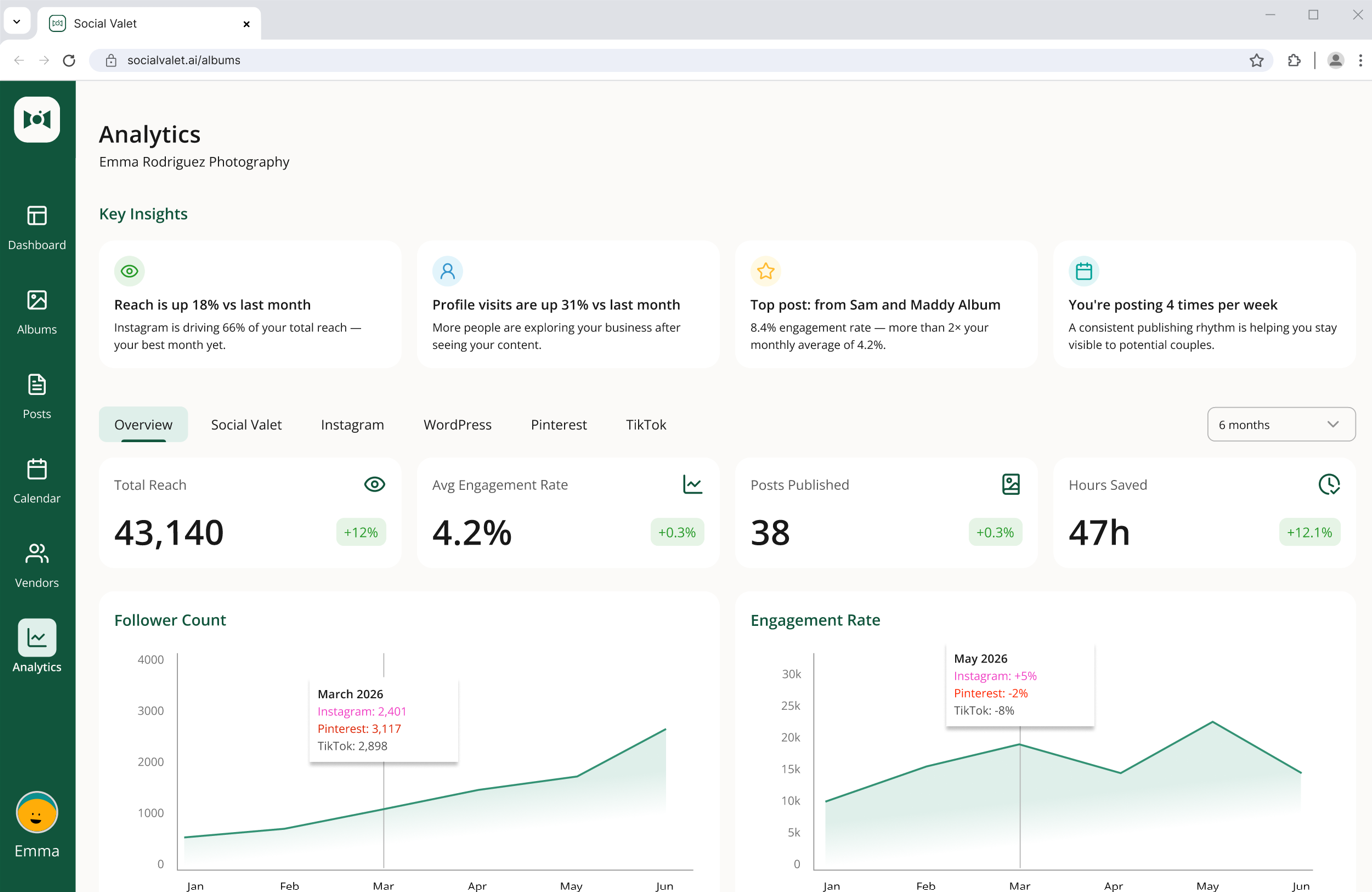
The tab is a stack of summary cards and one top-content list. From top to bottom:
Reach. How many unique people your content reached in the selected time window, summed across connected platforms.
Engagement. Likes, comments, saves, and other interactions, again summed across connected platforms.
Publishing volume. How many posts (Instagram, Pinterest pins, and blog posts) went live.
Time saved. An estimate of how much time Social Valet saved you vs writing and scheduling everything by hand.
Top-performing content. Your best individual posts and pins from the time window, ranked by engagement.
Changing the time window
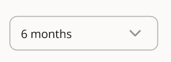
Every metric on the Overview tab respects the time-range selector at the top of the page. Change the range and every card updates.
What the trend indicators mean
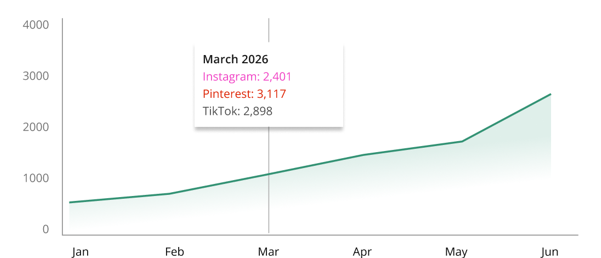
Cards show a small trend indicator that compares the current window to the previous window of the same length. Green means up, red means down. Hover (or tap on mobile) to see the exact percentage change.
Where the numbers come from
Instagram and Pinterest metrics come directly from each platform's analytics API, refreshed daily.
WordPress metrics come from your connected WordPress site.
Time saved and publishing volume come from Social Valet's own records of what was generated and published.
If a platform isn't connected, its share of the roll-up simply isn't included. The Overview stays honest about what it's counting.
If a number looks off
A metric is showing zero. Confirm the platform is still connected in Settings, Platform Management. Expired connections stop pulling data.
A number seems way off vs the platform's own dashboard. Platform APIs occasionally hiccup during their daily refresh. Give it a day and check again.
Top-performing content is empty. You may not have published anything in the selected time window. Widen the window.